Announcements

Live Set Editing within KDx

Welcome to a brand new chapter in the KDx story!

From today, owners of MONTAGE family synths will have access to my brand new Live Set Editor as part of KDx at no additional cost.

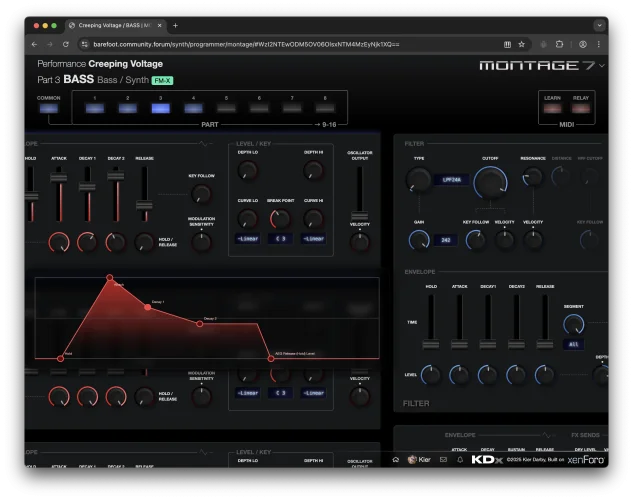
The KDx Live Set Editor is the most intuitive and powerful way to manage Live Sets on your Montage or MODX, with tools to manage individual Live Set slots, and rearrange slot order across all sixteen pages in ways that are impossible using the synth alone.

Opening the Editor​

...
 

KDx for reface CS

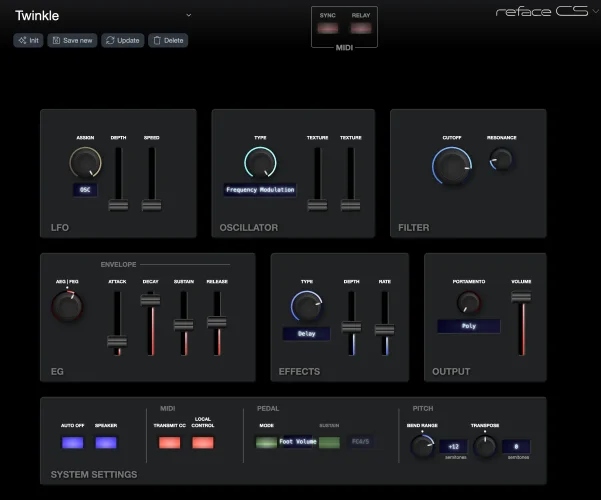
I haven't publicised it much, but KDx also supports Yamaha reface CS!

While you might think that there's little point in having a software editor for a synth that already has all its controls available right on the hardware, it does add one major feature that the reface CS doesn't have.

Patch memory!

1757522026723.webp


Just edit using the synth itself, or using the KDx interface, then you can save the current sound and recall it at any point in the future using the patch drop-down at the top of...
 

Visual and part-selection changes to KDx

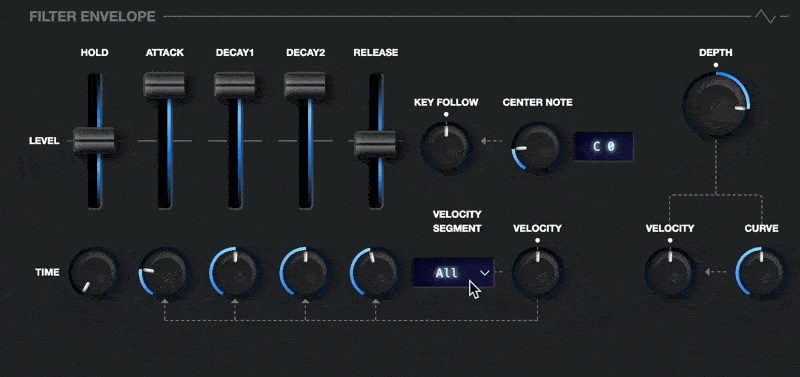
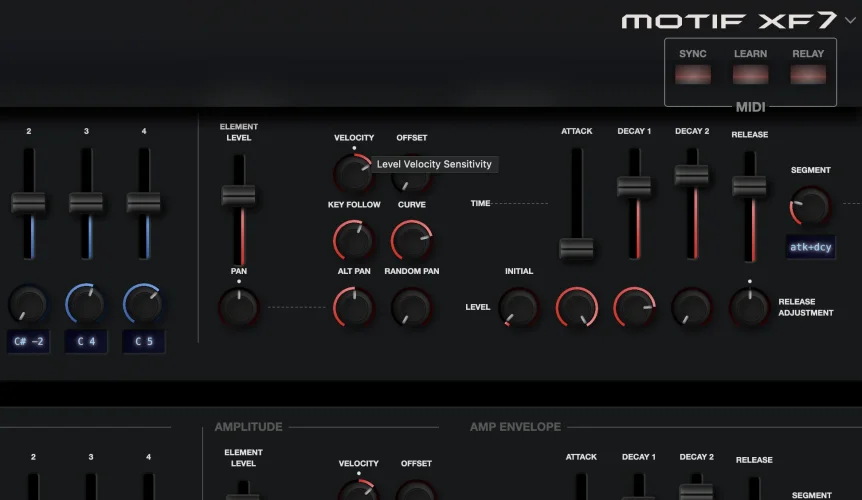
You may notice some visual changes to KDx, the most obvious of which is the new dynamic links between the envelope time velocity segment control, and its linked time segments.

CleanShot 2025-09-10 at 12.38.19.gif

This change also highlights the new arrow-heads that are attached to some of the link lines to indicate the relationship between linked controls - in this case, the Time/Velocity control influences the amount of the A, D1, D2 and R time segments that are linked.

You can also see that the Center Note control...
 

New Moessieurs KDx video

Thanks to @Joel Borg for publishing a new video with a KDx overview!


Note that this video pre-dates the introduction of the new note selection interface, so when Joel talks about having to return to the synth to select notes using the keyboard etc., this is no longer the case.

In the video, Joel mentions that he would like to see additional controls in the performance mixer to more closely reflect those in the mixer on the synth, so I have just pushed...
 

Changes to envelope controls

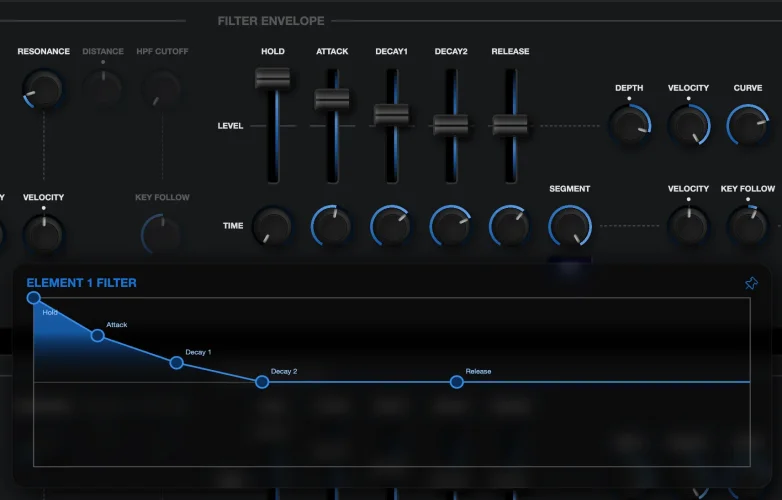
Just a quick note to alert you to the fact that I have swapped the controls for envelopes, so that instead of time being on the sliders and level being on the knobs, level is now attached to the faders and time is on the knobs.

This means that the points on the graph move up and down with the sliders, and side-to-side with the knobs, which makes a lot more sense conceptually.

level time swap.webp
 

Note selection tools

Today, a new way to work with controls that require a note or note range.


CleanShot 2025-09-04 at 23.39.41.gif

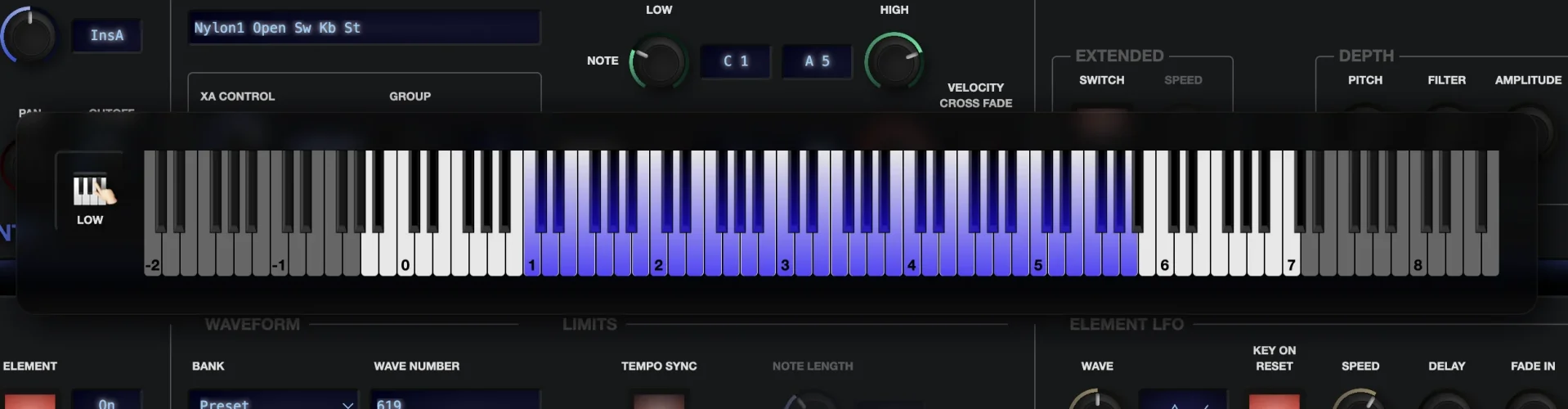
Click or drag any control that defines a note, and a keyboard will pop up.

1757023697702.webp


As you move the controls, you can see the note or range adjust within the keyboard, or you can simply click within the keyboard to select a note.

If you keep the pointer pressed, you can drag the selected note up and down the keyboard.

When working with ranges, the end of the range closest to the key you clicked...
 

Module link-editing now available

Sometimes, you want to make the same changes to multiple elements, operators or oscillators at the same time.

Now you can, using the KDx module link function.

1755961248335.webp

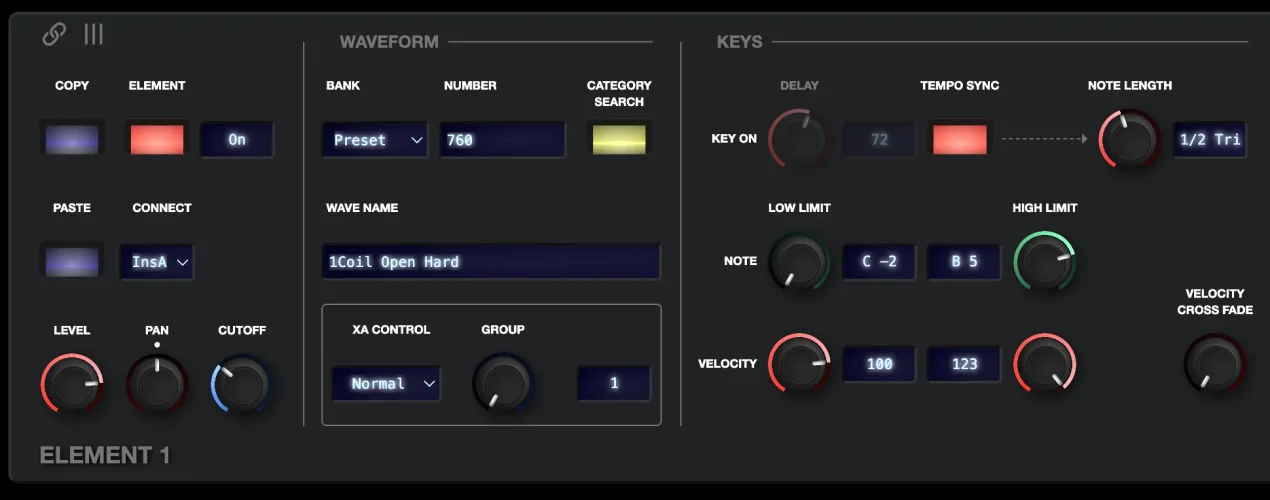
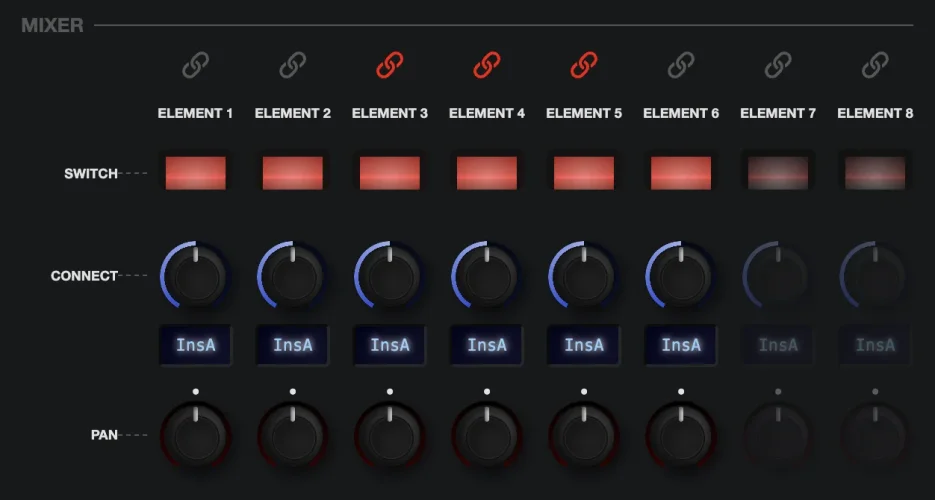
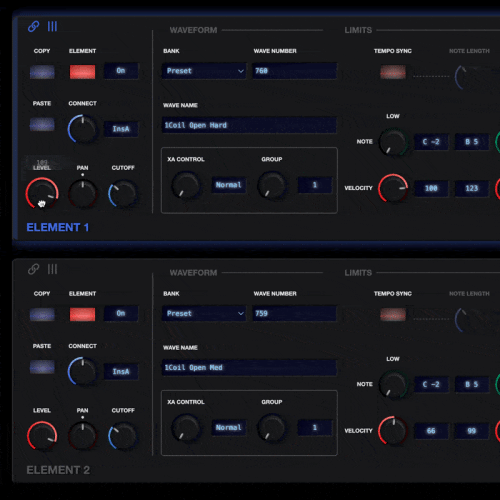
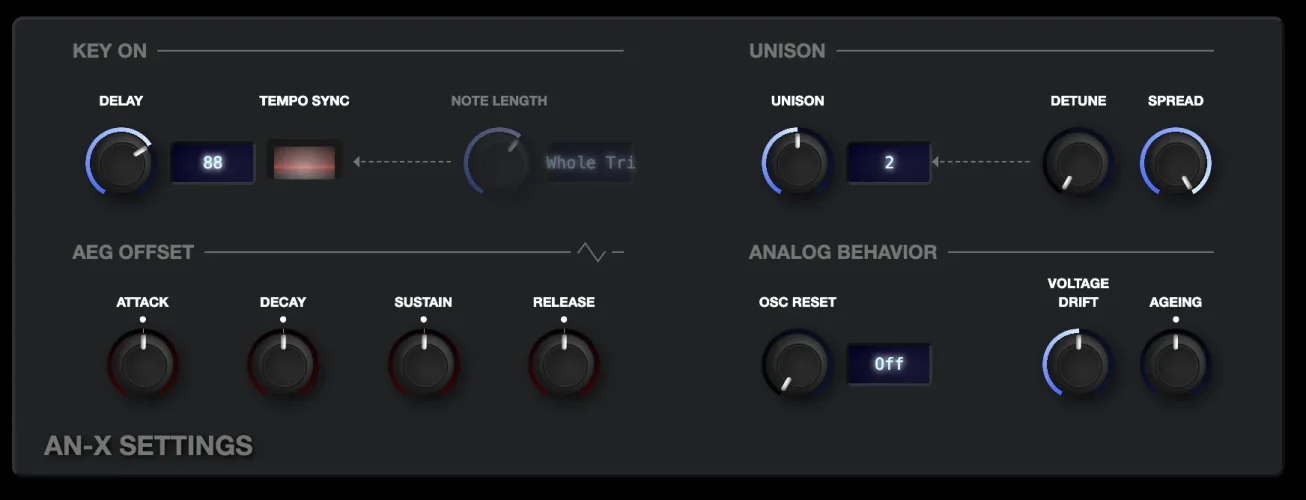
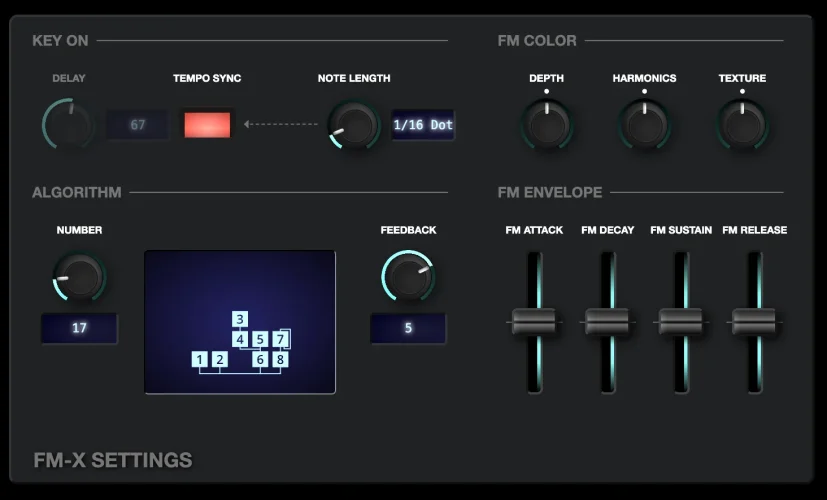
Just click the link icon associated with any element, oscillator or operator and it will turn red. Any other modules of the same kind will respond when you move any control, so if you want to change the lower key limit for four elements at once, just link the modules and edit one of them.

CleanShot 2025-08-23 at 16.01.52.gif

Nice!
 

New - Performance controls

There is a now a rather colossal fourth column to the KDx editor for Montage, Montage M and MODX - performance controls!

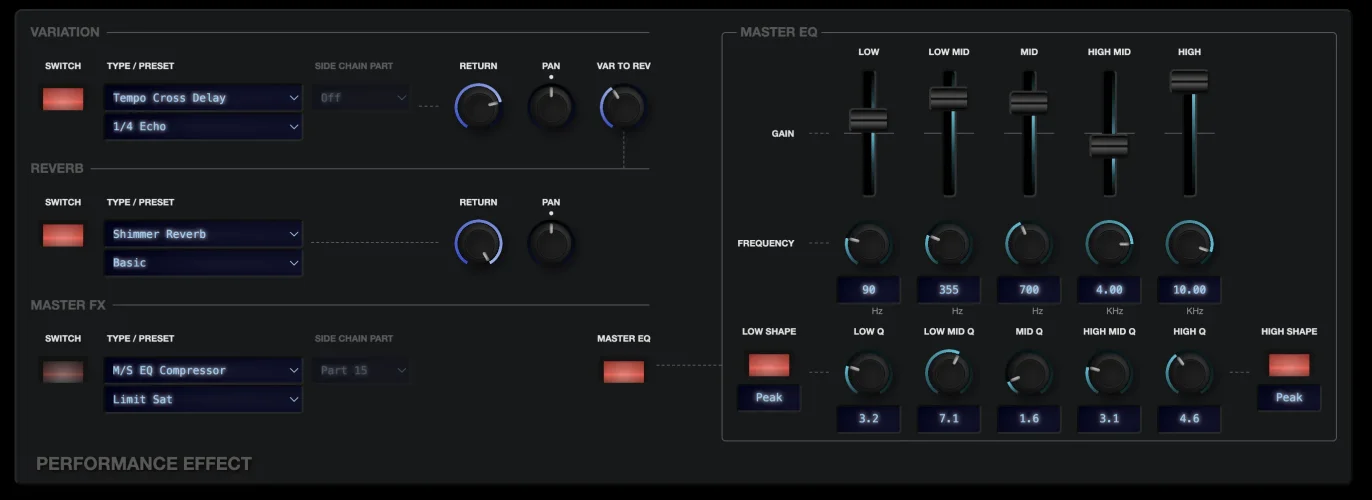
You can now select the VAR, REV and MFX effect type and preset, and set the appropriate pan and return levels.

1755137083945.webp

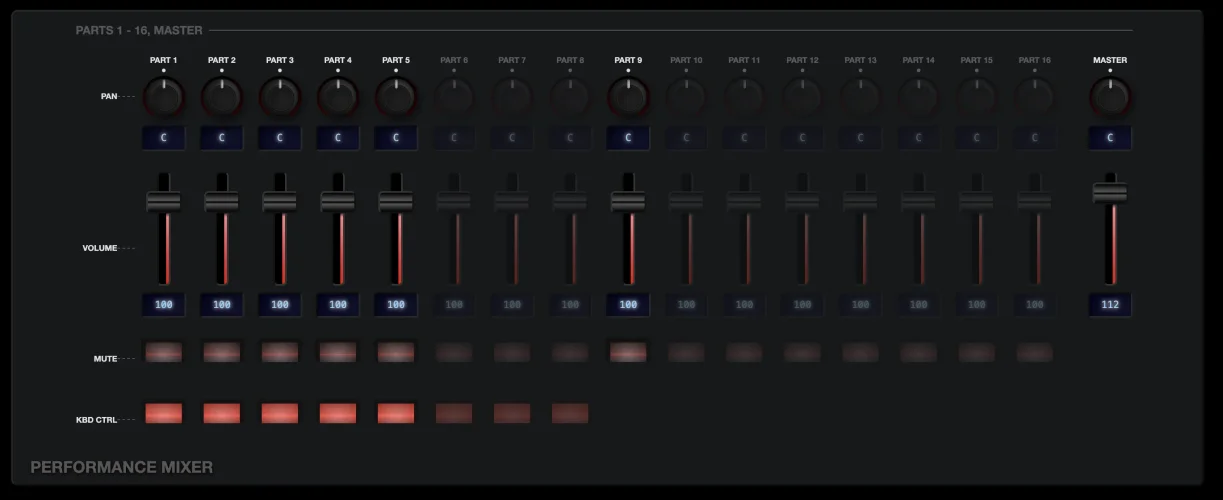
You also have access to edit the volume, pan, mute and keyboard control settings for every part without having to switch parts.

1755137060375.webp

The Master EQ is present with all controls available, as is the performance-level filter, filter envelope...
 

Improvements to envelope handler

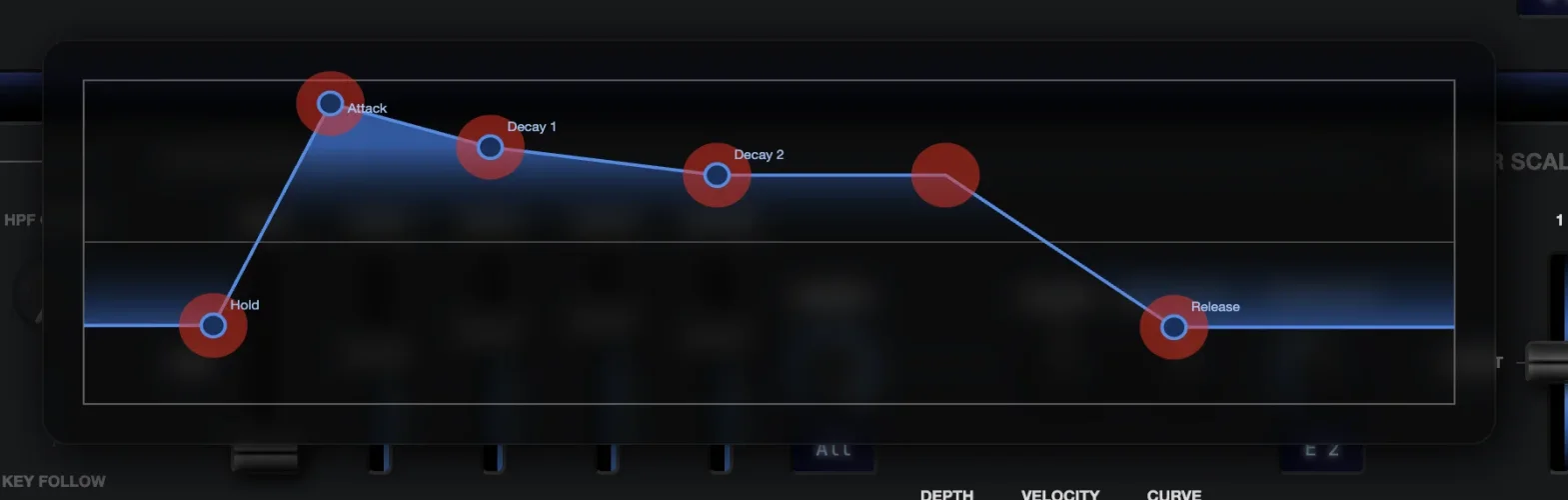
While using the relay on my iPad, i realised that the touch targets for points on the envelope graph are very difficult to grab, as they are very small.

I have now changed the way the envelopes work, and given them much bigger draggable areas, so they are much easier to grab with your fingers on a touch screen.

1755005811240.webp

This image shows the new touch targets - when you use it, you won't see the red circles, they are just here for illustration purposes.
 

MODX / MODX+ now fixed and working correctly

I have now fixed the [rather stupid] error that was preventing MODX and MODX+ from working correctly with KDx.


modx7-plus.svg


My apologies to subscribers that their synths haven't been working until now!

Many thanks to @HaPe for his time on remote desktop while I fumbled around with the code!
 

Updated compatibility test and MODX+ issues

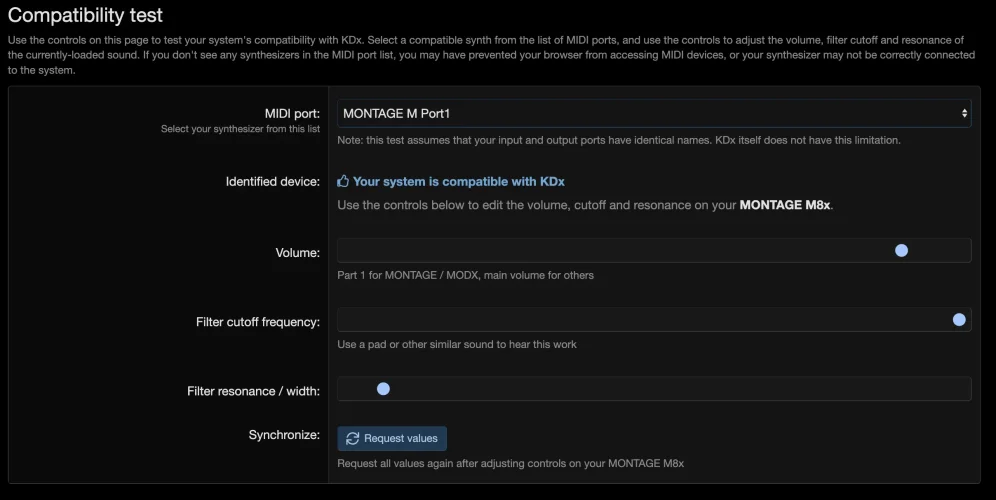
I've had various comments saying that people were surprised that the compatibility test does not offer bi-directional communication with the synth, so I have made some changes to allow it to send and receive parameter requests.

1754747894787.webpIt's important to understand that Yamaha synths do not broadcast parameter changes when they are made on the synth - if you change a parameter directly on your synth, it won't send a message to connected systems informing them of the change.

Instead...
 

Introducing KDx - the new way to design sounds on MONTAGE, MODX and MONTAGE M

Welcome to the home of KDx, an online tool providing an intuitive and approachable way to sculpt sounds with your synthesizer.

If you know the basics of sound design but struggle or get frustrated with menu diving and multi-button combinations to access parameters, KDx has you covered.
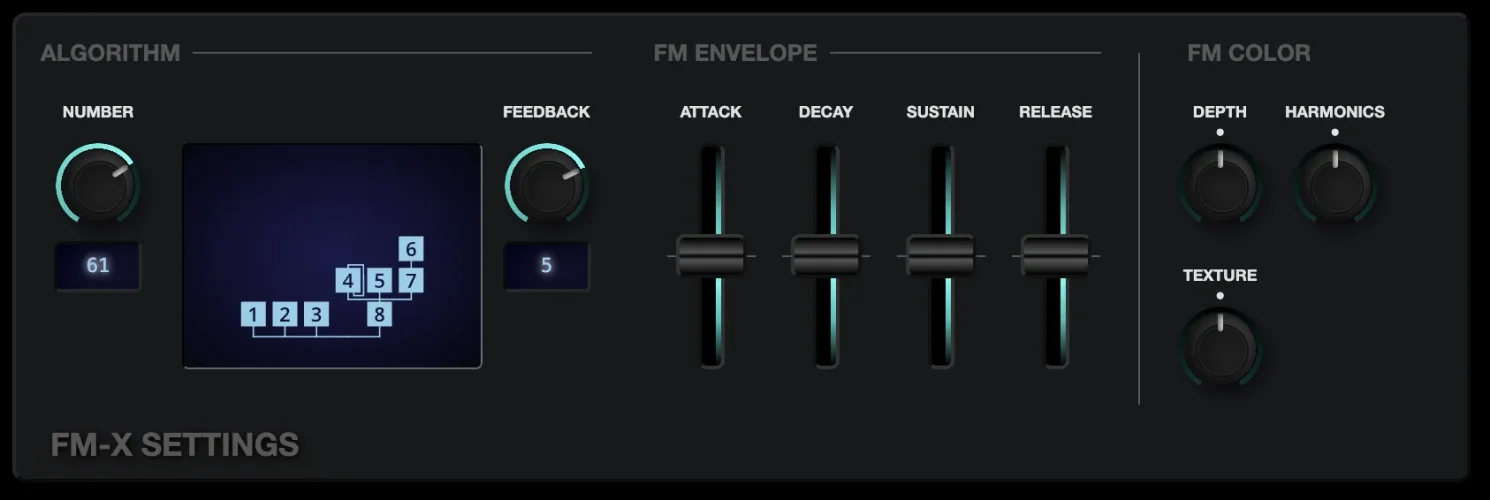
KDx is a general-purpose one-control-per-function sound editing framework.

kdx-fm-x.webpThese are the currently-supported synthesizers:
  • Yamaha MONTAGE
  • Yamaha MODX / MODX+...
 
Last edited:
Back
Top